Work, but warmer.
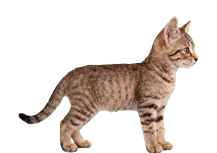
A kitten called Niuniu lives along the bottom of your screen: it sits down when tired, naps while you're away, and a little heart pops up when you stroke it. Send us photos and it can be your own pet instead. Hoardkin also shows what fills your disk and finds any file with one shortcut.
Free · Signed by Microsoft, updated by the Store · Or download the installer
Free · macOS 13 or later · Windows and release notes
Hoardkin is for computers, Windows and Mac: open hoardkin.com on yours to download it.
Windows and macOS · Free · Never uploads anything about your files
Send us a few photos and we make a whole set of moves from them: walking, sitting, looking around, napping, running. It arrives by email; double-click it and your pet is on your screen, on Windows or Mac.
Free for now.



Ling lives along the bottom of your screen: it sits down when tired, naps when you step away and hurries when your computer is busy. It notices your pointer, too.
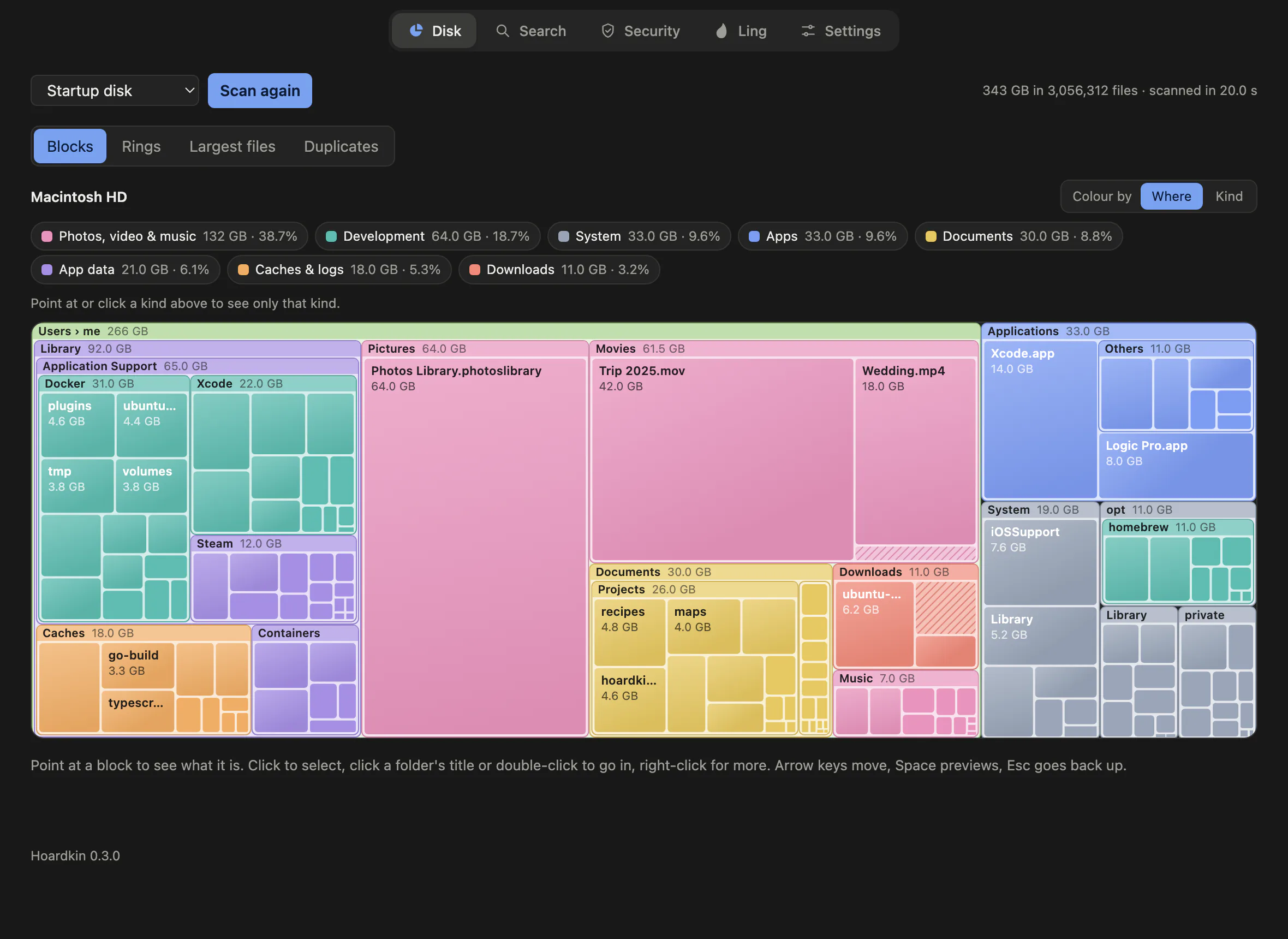
Two ways to look: blocks lay your whole disk out on one screen, every file and folder a block as big as its size; rings show the structure layer by layer. Click in: large files, duplicates and what grew since last time are all laid out for you.
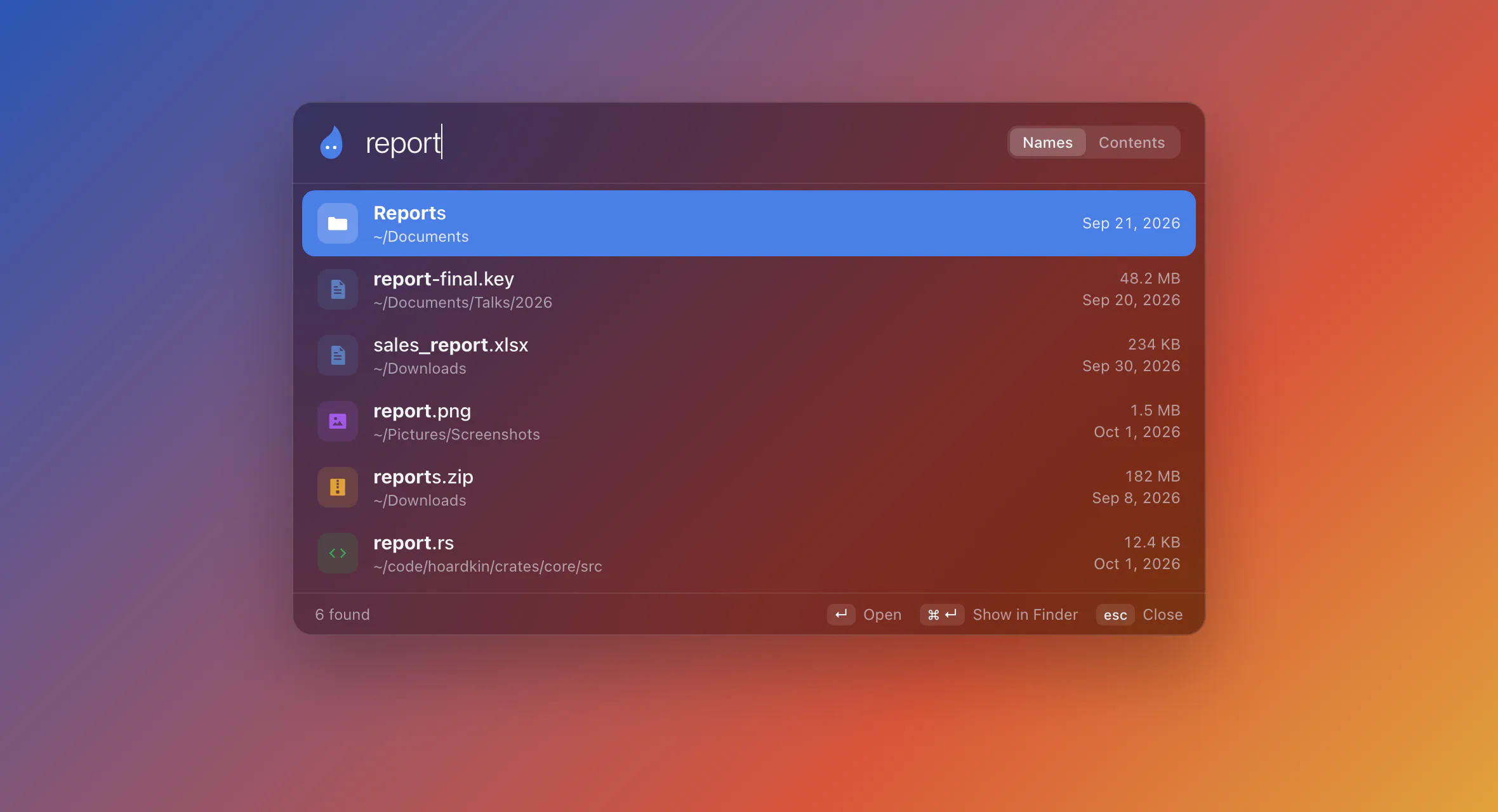
Press Alt + Space anywhere (⌥ Space on a Mac) and the search panel appears; results come as you type. In Windows fast mode, millions of files are found in an instant. Pick one and press Space to preview it: Word, Excel, PowerPoint, PDF, images and video.
Cleaner apps decide what to delete for you. Hoardkin shows you what is really there, and you decide.
| Cleaner apps | Hoardkin | |
|---|---|---|
| What goes | Picked for you: caches, temp files | You decide, once you have seen it |
| Space recovered | Often a few GB; caches grow right back | The large files and folders that really take space |
| If it was a mistake | Something useful may be gone | It only goes to the Trash; drag it back any time |
| One-click cleaning | Yes | No, and never will be |
| Your file details | Depends on the vendor | Never leave your computer |
The core is written in Rust and Ling’s window is native. Close the main window and Hoardkin waits in the tray, using almost nothing.
What is biggest in iCloud, OneDrive, Google Drive or Dropbox, counting files kept only online, without downloading them.
Compare with your last scan to see which folders quietly grew.
Finds files with identical contents; which copy stays is up to you.
Your biggest files, by kind; files the system manages itself are explained.
What starts with your computer and whether its signature holds up, which ports are listening, and where programs connect.
Always see who is using your camera or microphone.
See which extensions can read every page you open.
Focus for a while, then take your break.
Your computer stays awake until downloads and renders finish.
Ling is a little spirit flame that takes on a form. Hoardkin comes with Niuniu (a real tabby kitten), and Ling's Hall has more to download: Xiaobai, Xiaohua, Xiaomeng, Monica…


Is there one like that in your life? Put it on the Ling wall
Fancy another look? Pick a Ling in Ling's Hall
Wisp · click to change
Free, for Windows and macOS.
Free · Signed by Microsoft, updated by the Store · Or download the installer
Free · macOS 13 or later · Windows and release notes
Hoardkin is for computers, Windows and Mac: open hoardkin.com on yours to download it.
Windows and macOS · Free · Never uploads anything about your files
